
Got a New Phone?
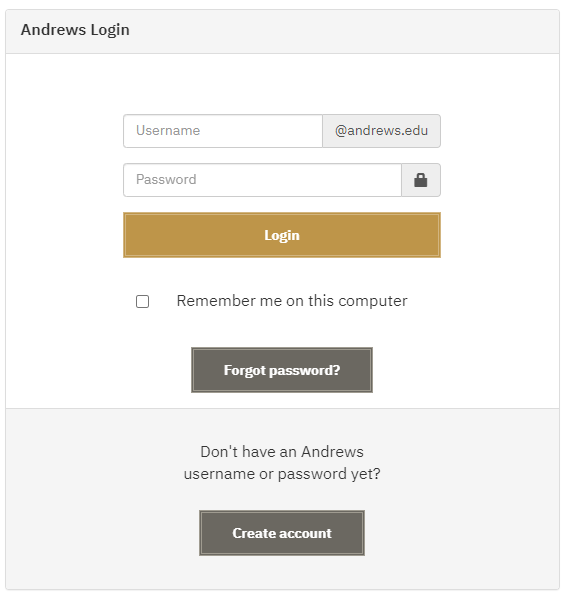
Step 1
Sign into a Duo protected service, such as "MyAccount".
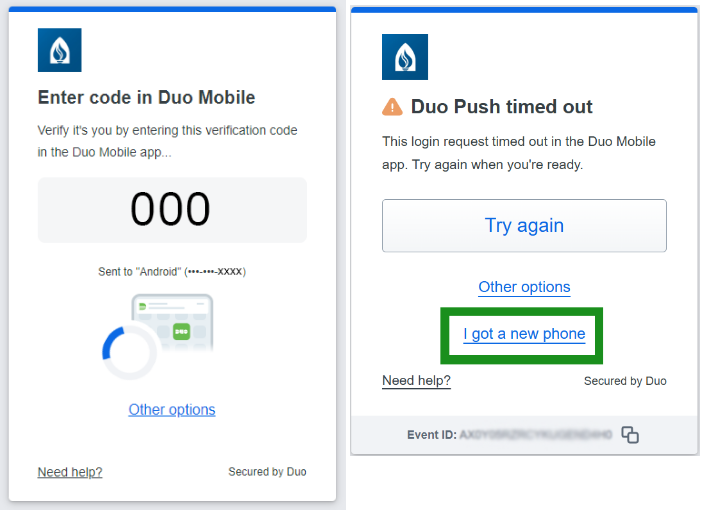
Step 2
Wait! Do nothing for a few moments and let the Duo Push time out.
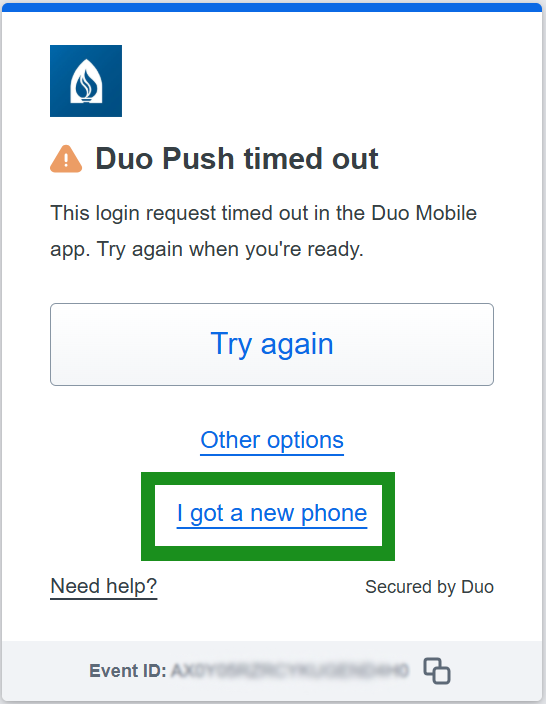
Step 3
Choose "I got a new phone" when the message appears.
Step 4
Select the option to receive a link to your SMS texts.
Step 5
Go to your text messages in your phone and click the link from Duo.
Step 6
You will be prompted to install the Duo Mobile app. Select "Open Duo Mobile" once the app is installed.
Step 7
The link from Duo should register your new device to the system.
Step 8
Continue the authentication process as usual.
For more help with setting up the Duo Mobile app, see our guide, here.
For more information, visit the Frequently Asked Questions (FAQ) page.

- Phone: 269-471-6016
- Email: helpdesk@andrews.edu