
Microsoft Authenticator
Are you being prompted to use Microsoft Authenticator instead of Duo? Follow this guide to switch back to Duo.
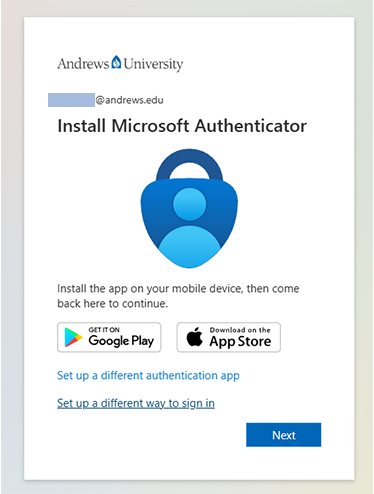
1. Select "Set up a different way to sign in."
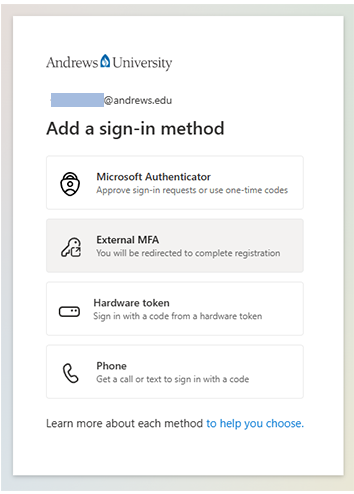
2. Select "External MFA"
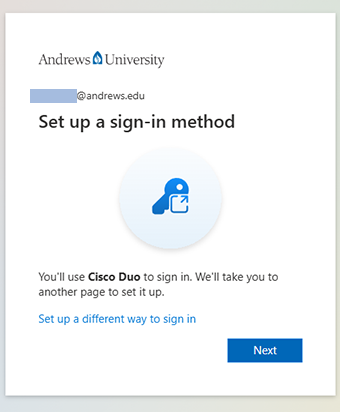
3. Insure "Cisco Duo" is referenced and hit "Next."
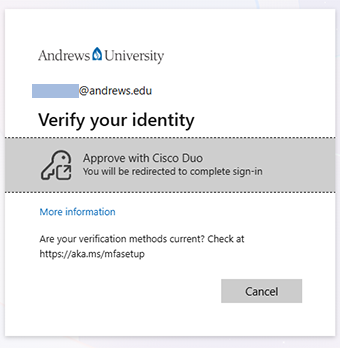
4. Select the tile "Approve with Cisco Duo."
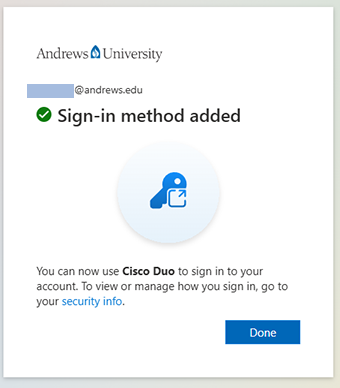
5. Hit "Done."
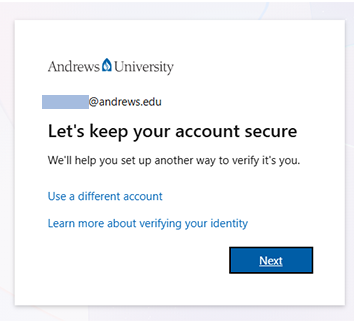
6. Select "Next."
7. You will be redirected to a Duo prompt, continue as usual.

- Phone: 269-471-6016
- Email: helpdesk@andrews.edu